Who Akiflow Works Best For
Akiflow is built for busy professionals juggling calendars, task lists, and competing priorities. If you spend your day context-switching between email, project management apps, and calendar tools, Akiflow consolidates that fragmentation into one workspace. The platform uses time-blocking as its core method, so it suits people who prefer structured schedules and want to see their day mapped out visually. It's particularly valuable for those who struggle with follow-through on tasks or need AI-assisted planning to optimize their daily workflow. Akiflow appeals to knowledge workers, remote teams, and anyone looking to reclaim focus and reduce tool fatigue. The unified approach means less tab-switching and fewer notifications pulling your attention in different directions. If your productivity challenge is organizational chaos rather than motivation, this platform targets that specific pain point directly.
What Akiflow Offers in Its Core Product
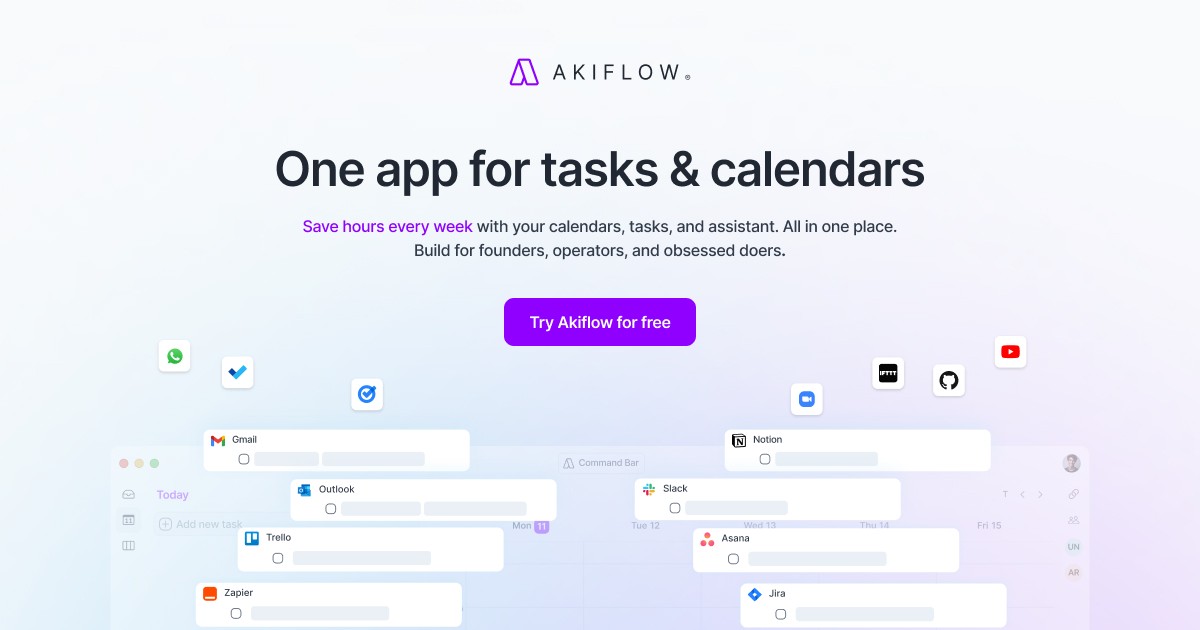
Akiflow functions as a productivity super app that merges three core capabilities: task management, calendar integration, and AI assistance into one interface. The time-blocking feature lets you assign tasks to specific calendar slots, creating a visual schedule for your entire day or week. Rather than maintaining separate systems for when meetings happen and when work happens, Akiflow shows both in a single view. AI integration helps with scheduling suggestions and workflow optimization, reducing the manual planning burden. The platform also handles workflow automation, allowing you to organize tasks and meetings seamlessly without manual data entry across multiple tools. This consolidation directly addresses the original frustration that prompted Akiflow's creation: the need to stop juggling separate applications and maintain a unified system. All three elements work together to support focused, intentional work rather than reactive task-chasing.
What to Verify Before You Subscribe
Before committing to Akiflow, confirm that the platform integrates with your existing calendar system and task management tools. Since the core value proposition is consolidation, check that your current calendar provider, email client, or project management system connects properly. Review what happens to existing task data if you decide to migrate into Akiflow, and whether import features are available. Test whether the time-blocking workflow matches how you actually work—some users prefer task lists over calendar-based scheduling, so trial access is valuable. Check whether Akiflow supports your team size if you plan to add collaborators later. Finally, review the platform's data privacy and security practices, especially if you'll be syncing sensitive calendar information or task details. The website provides detailed product information and account setup guidance to help with this evaluation.
Common questions
Does Akiflow replace my calendar app entirely?
Akiflow integrates with your existing calendar system rather than replacing it. It pulls calendar events into its time-blocking interface so you can see both meetings and task blocks in one view. Your actual calendar data stays in your primary calendar app, and Akiflow coordinates across systems.
Can I use Akiflow if I already use multiple project management tools?
Akiflow is designed to reduce tool switching by bringing tasks and calendars together. Check its integration options on the website to confirm compatibility with your specific tools. The platform's strength is eliminating fragmentation, so integration support directly impacts how much it can streamline your workflow.